Color Grading Secrets: Achieving a Cinematic Look
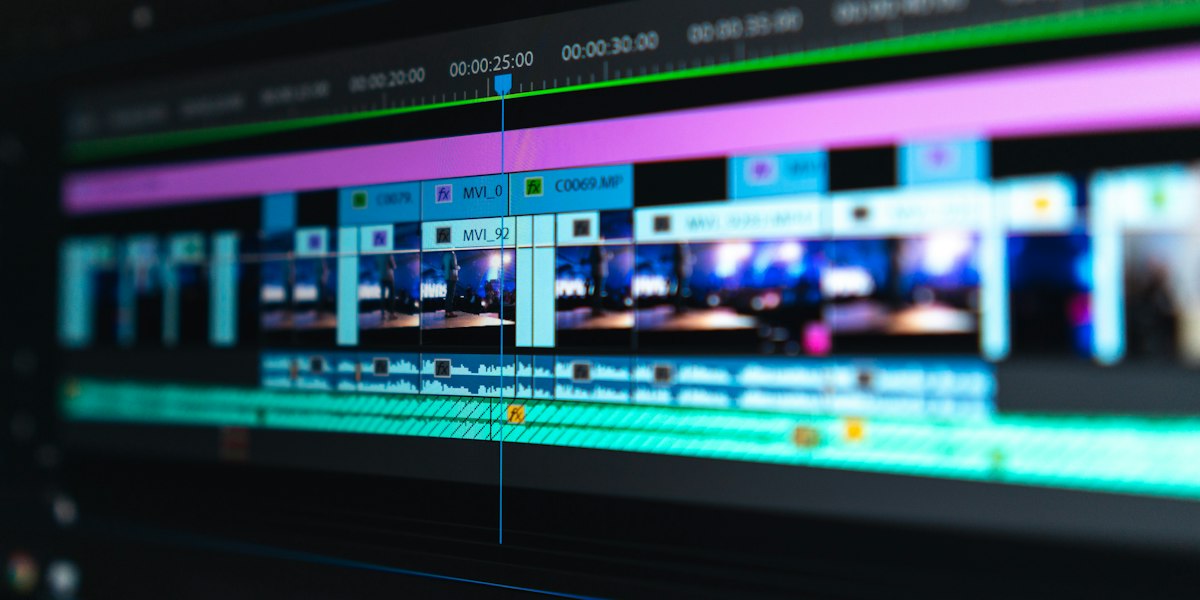
Color grading is where good footage becomes great. It's the art of manipulating color to evoke emotion, establish mood, and create visual consistency.
Understanding Color Theory
The Color Wheel
Complementary colors (opposite on the wheel) create visual tension:
- Orange/Teal (the "blockbuster look")
- Red/Green
- Yellow/Purple
Color Temperature
- Warm tones (orange, yellow): Comfort, nostalgia, energy
- Cool tones (blue, teal): Mystery, professionalism, calm
The Color Grading Workflow

1. Technical Correction
First, fix technical issues:
- White balance adjustment
- Exposure correction
- Contrast balancing
- Noise reduction
2. Shot Matching
Ensure continuity between shots from the same scene:
- Match skin tones
- Consistent color temperature
- Similar contrast levels
3. Creative Grade
Apply your artistic vision:
- Establish color palette
- Create mood through color
- Draw attention with selective color
- Add film emulation (grain, halation)
Popular Cinematic Looks
Orange and Teal
The modern blockbuster aesthetic:
- Push shadows toward teal/cyan
- Push highlights toward orange
- Maintain balanced midtones
Bleach Bypass
High-contrast, desaturated look:
- Reduced saturation
- Increased contrast
- Milky blacks
- Popular for action and thriller genres
Film Emulation
Recreate the look of celluloid:
- Kodak Vision3 for warm, nostalgic feel
- Fuji for cooler, more neutral tones
- Add grain for organic texture
Tools of the Trade
Professional colorists use:
- DaVinci Resolve: Industry-standard color grading
- Color wheels: Primary correction tool
- Curves: Precise tonal control
- LUTs: Starting points or final looks
- Scopes: Waveform, vectorscope for technical accuracy
Common Mistakes to Avoid
- Over-saturation: Keep it natural unless stylization is intentional
- Inconsistent skin tones: Always protect skin tones
- Crushing blacks: Maintain shadow detail
- Ignoring scopes: Trust technical tools over your monitor
- Working on uncalibrated displays: Color accuracy requires calibrated monitors
The Airframe Media Approach
We grade on calibrated HDR reference monitors in a controlled environment, ensuring your content looks stunning across all viewing platforms, from cinema screens to mobile devices.
Want your footage to have that cinematic look? Our post-production team specializes in color grading that elevates your story.
ABOUT THE AUTHOR
Colorist & Post-Production
Airframe Media is a London-based video production company operating since 2015. Our team has produced more than 500 corporate, commercial, and event films for UK businesses including Levy, Taylor Wimpey, and ExCeL London.
TAGS
Related Services
Ready to Bring Your Vision to Life?
Let's discuss how our video production services can elevate your brand