How Corporate Video Production Works: 5 Stages From Brief to Final Edit
 Photo by cottonbro studio on Pexels
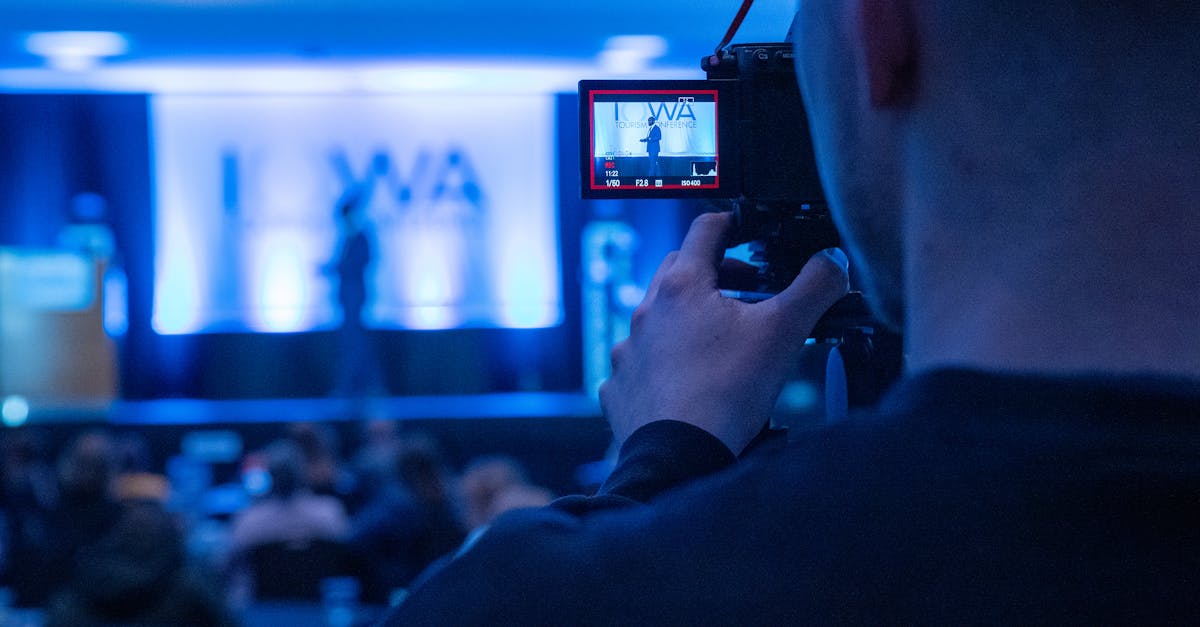
Corporate video production might seem straightforward from the outside: point a camera, press record, deliver a video. The reality involves dozens of creative and technical decisions, careful planning, and a team of specialists working together to transform your business message into compelling visual content.
At Airframe Media, we've produced 500+ corporate videos for London businesses. Here's an honest look at what happens behind the camera and why each stage matters for your final result.
The Discovery Phase: Before Anyone Picks Up a Camera
The most important part of any video project happens before we unpack a single piece of equipment.
The Initial Brief
Every project starts with understanding:
- Your business objectives - What should this video achieve?
- Target audience - Who needs to see this and what action should they take?
- Core message - What's the single most important thing viewers should remember?
- Brand guidelines - Colours, tone, existing assets we need to incorporate
- Distribution plan - Where will this video live and for how long?
Why This Matters
A video without clear objectives is just moving pictures. We've seen companies spend significant budgets on beautiful footage that doesn't drive results because the strategy wasn't defined upfront.
Example: A London fintech client initially wanted a "company overview video." Through discovery, we identified their real need: a 60-second explainer that would reduce sales call length by pre-qualifying prospects. That clarity changed everything about how we approached the project.
Pre-Production: The Blueprint Stage
 Photo by Tima Miroshnichenko on Pexels
With objectives clear, we move into detailed planning. This phase typically takes 1-2 weeks depending on project complexity.
Scripting
The script is your video's foundation. We develop:
- Key messaging hierarchy - Primary, secondary, and supporting points
- Natural language - Written for the ear, not the eye
- Pacing and timing - Matching content to desired video length
- Call to action - Clear next step for viewers
Pro tip: Read your script aloud. If it sounds awkward when spoken, it will sound awkward on camera.
Storyboarding
Visual planning prevents expensive surprises on shoot day:
- Shot-by-shot breakdown - What the viewer sees at each moment
- Camera angles and movements - Static, tracking, handheld?
- Graphic overlays - Where text or animations appear
- Transitions - How we move between scenes
Location Scouting
For London corporate videos, location assessment includes:
- Lighting conditions - Natural light direction throughout the day
- Audio environment - Background noise, echo, HVAC systems
- Power availability - We bring our own, but mains access helps
- Space constraints - Room for equipment, crew movement, talent
- Logistics - Parking, load-in, security requirements
Talent Preparation
Whether filming executives or hiring professional presenters:
- Wardrobe guidance - What works on camera, what doesn't
- Speaking points - Key messages to convey naturally
- Teleprompter options - If needed for longer dialogue
- Makeup and styling - Often overlooked but crucial for professional results
Production Day: Controlled Chaos
 Photo by ThisIsEngineering on Pexels
A typical corporate shoot day runs 8-10 hours. Here's what happens:
The Setup (Hours 1-2)
Load-in and equipment setup:
- Camera systems, lenses, monitors
- Lighting rigs (often 4-8 lights for interview setups)
- Audio equipment (wireless lavs, shotgun mics, audio recorder)
- Teleprompter if required
- Grip equipment (tripods, sliders, gimbals)
Technical checks:
- White balance and colour calibration
- Audio levels and backup recording
- Lighting adjustments for talent positions
- Camera focus marks
The Shoot (Hours 3-8)
Interview segments:
- Director guides conversation naturally
- Camera operator manages framing and focus
- Audio engineer monitors levels
- Producer tracks script coverage
B-roll footage:
- Establishing shots of location
- Detail shots for visual interest
- People working, products in use
- Atmospheric footage for editing flexibility
Multiple takes:
- Same content, different delivery styles
- Safety coverage from multiple angles
- Variations for different platforms
Pack Down (Hours 9-10)
- Equipment safely stored
- All footage backed up to multiple drives
- Shot logs completed for editing reference
- Location restored to original state
What Can Go Wrong
Experienced crews anticipate problems:
- Equipment failure - We always bring backups
- Talent nerves - Patience and direction techniques
- Unexpected noise - Waiting for aircraft, construction pauses
- Lighting changes - Cloud cover, sun movement
- Schedule pressure - Realistic timings built into the day
Post-Production: Where the Magic Happens
 Photo by Anete Lusina on Pexels
Post-production typically takes 2-3 weeks for corporate videos. This is where raw footage transforms into polished content.
Rough Cut (Week 1)
The editor builds the story structure:
- Content selection - Choosing the best takes
- Narrative flow - Arranging scenes for impact
- Timing and pacing - Matching the intended energy
- Audio sync - Aligning interview and overlay footage
At this stage, graphics are placeholders and colour hasn't been touched. The focus is pure storytelling.
Revision Rounds
Most projects include 2-3 revision rounds:
Round 1: Structure and content changes - rearranging scenes, adding/removing sections Round 2: Fine-tuning - timing adjustments, specific shot changes Round 3: Final polish - minor tweaks only
Tip: Gather all feedback before each round rather than sending incremental notes. This keeps the project moving efficiently.
Motion Graphics
Depending on your video:
- Lower thirds - Name and title overlays
- Brand elements - Logo animations, colour bars
- Data visualisation - Charts and statistics
- Transitions - Branded scene changes
- End cards - Call to action and contact details
Colour Grading
 Photo by Artem Podrez on Pexels
The final visual treatment:
- Shot matching - Consistent look across different cameras and lighting
- Colour correction - Technical accuracy in skin tones, whites, blacks
- Creative grade - Brand colour integration, mood enhancement
- Output preparation - Different grades for different platforms
Audio Mix
Often underestimated but crucial:
- Dialogue clarity - EQ, compression, noise reduction
- Music selection - Licensed tracks matching brand tone
- Sound design - Ambient layers, transitions
- Final mix - Balancing all elements for different playback environments
Quality Control
Before delivery:
- Technical QC - No audio glitches, visual artifacts, or errors
- Content verification - All facts, names, and details correct
- Platform compliance - Correct specifications for intended use
- Client approval - Final sign-off before distribution
Delivery: Multiple Formats for Multiple Platforms
 Photo by Lisa Fotios on Pexels
A single video often becomes multiple assets:
Primary Deliverables
- Master file - High-quality archive version
- Web version - Optimised for website embedding
- Social cuts - Platform-specific edits and formats
Platform-Specific Versions
| Platform | Aspect Ratio | Max Length | File Type |
|---|---|---|---|
| Website | 16:9 | As needed | MP4/WebM |
| 16:9 or 1:1 | 10 min | MP4 | |
| Instagram Feed | 1:1 or 4:5 | 60 sec | MP4 |
| Instagram Stories | 9:16 | 15 sec | MP4 |
| YouTube | 16:9 | As needed | MP4 |
| TikTok | 9:16 | 3 min | MP4 |
Asset Package
Clients typically receive:
- Final video files in all agreed formats
- Thumbnail images for web embedding
- Subtitle files (SRT/VTT) if required
- Source files (optional, by agreement)
What This Means for Your Project
Understanding the production process helps you:
- Budget appropriately - Each phase requires time and expertise
- Plan timelines realistically - Quality work takes proper time
- Provide better input - Know when your feedback matters most
- Evaluate proposals - Understand what you're paying for
- Maximise value - Extract multiple assets from one production
Ready to Start Your Video Project?
At Airframe Media, we guide clients through every stage of the production process. From initial strategy through final delivery, our London-based team ensures your corporate video achieves real business results.
Contact us to discuss your project, or explore our portfolio to see our corporate video production work.
Want to understand pricing? Read our guide to corporate video production costs in London.
Planning a conference or event? See our guide to conference filming in London.
ABOUT THE AUTHOR
Founder & CEO
Liam founded Airframe Media in 2015 and leads creative direction across the studio. He has produced 500+ corporate, commercial, and event films for UK businesses including Levy, Taylor Wimpey, and ExCeL London, and writes about the craft of professional video production in London.
TAGS
Related Services
Ready to Bring Your Vision to Life?
Let's discuss how our video production services can elevate your brand