Video Production Brief Template (2026) — Free PDF & Guide
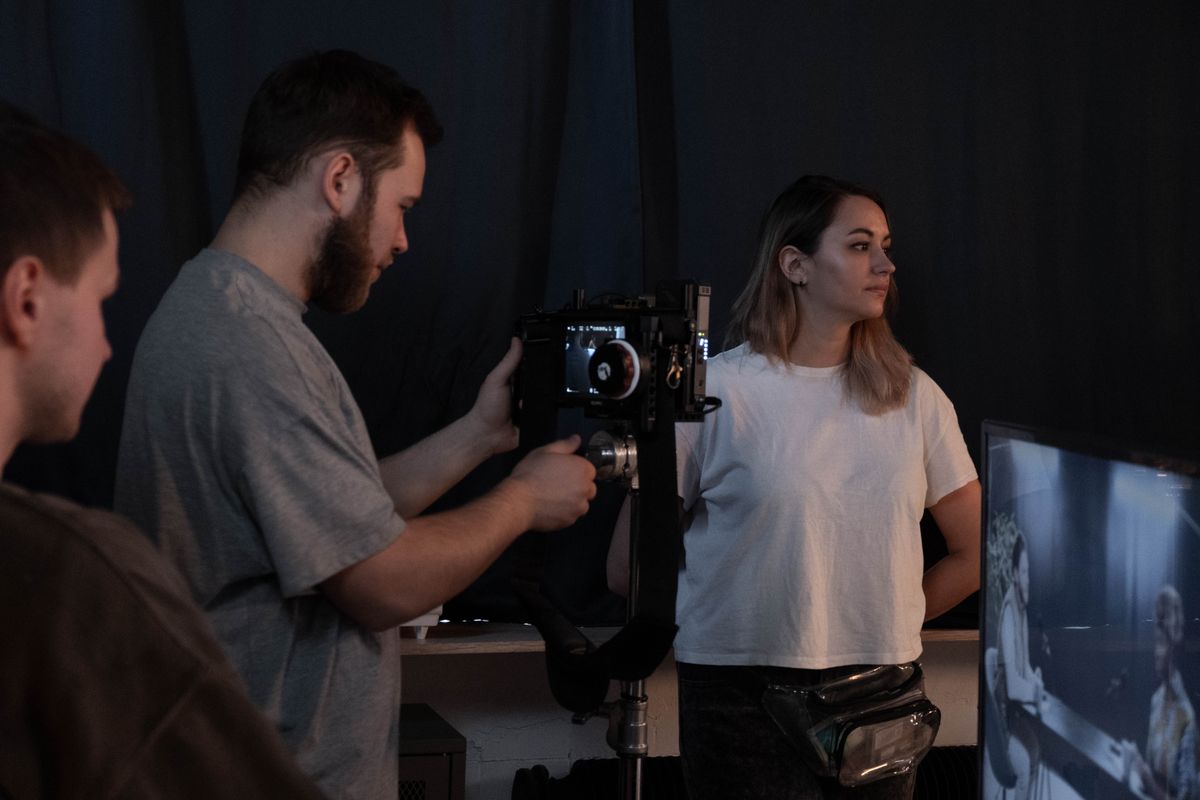
 Photo by Knelstrom ltd on Pexels
Quick Answer
A video production brief is a document that outlines everything a production company needs to create your video. It should include your objectives, target audience, key messages, budget, timeline, and distribution plans. A well-written brief saves time, reduces revisions, and ensures the final video delivers measurable results.
Why Your Video Brief Matters More Than You Think
The difference between a successful corporate video and a disappointing one rarely comes down to cameras or editing software. It comes down to the brief.
A comprehensive video production brief aligns everyone — your marketing team, stakeholders, and the production company — before a single frame is shot. Without one, you'll face scope creep, budget overruns, and a final product that misses the mark.
At Airframe Media we review hundreds of briefs each year. The projects with clear, detailed briefs consistently deliver better results in less time. Here's how to write one that works.
The Essential Elements of a Video Production Brief
1. Project Overview
Start with the basics. Every brief should open with:
- Project name — Something everyone can reference easily
- Company/brand name — Include any brand guidelines or assets
- Contact person — Who makes final decisions?
- Date submitted — Tracks the brief version
Keep this section short. It's a reference header, not a narrative.
2. Objectives and Purpose
This is the most important section. Be specific about what the video needs to achieve:
Bad objective: "We want a promotional video" Good objective: "We need a 90-second brand film that introduces our SaaS platform to CTOs at mid-market companies, driving demo requests from our website"
Define success metrics upfront. Will you measure views, conversions, engagement, or brand recall? Your production team will make different creative choices depending on the answer.
 Photo by Kyle Loftus on Pexels
3. Target Audience
Describe who will watch this video:
- Demographics — Age, job title, industry, location
- Pain points — What problems do they face?
- Where they'll see it — LinkedIn feed, website landing page, conference presentation, sales meeting
- What they know already — Are they hearing about your brand for the first time, or are they evaluating options?
The more specific you are about your audience, the more targeted and effective the final video will be.
4. Key Messages
List the 2-3 core messages the video must communicate. More than three and you risk diluting impact.
Priority order matters. If a viewer watches only the first 15 seconds, what must they take away? Put that message first.
Include any mandatory messaging — taglines, legal disclaimers, compliance requirements. Better to surface these early than discover them in the edit suite.
5. Tone and Style
Give your production team creative direction:
- Tone — Professional, conversational, inspirational, authoritative, playful?
- Visual style — Cinematic, documentary, corporate clean, fast-paced, minimal?
- Reference videos — Share 2-3 examples of videos you admire. Note specifically what you like about each (the pacing, the colour grade, the interview style)
- Brand guidelines — Colours, fonts, logo usage, music preferences
Don't just say "premium quality." Show what premium means to you through examples.
6. Deliverables and Specifications
Be explicit about what you need:
| Specification | Details to Include |
|---|---|
| Video length | 30 sec, 60 sec, 90 sec, 2 min? |
| Aspect ratio | 16:9 (landscape), 9:16 (vertical), 1:1 (square)? |
| Versions needed | Full video + social cuts? Different lengths? |
| File formats | MP4, MOV, ProRes? |
| Subtitles | Open captions, closed captions, multiple languages? |
| Thumbnail | Static frame for social media? |
If you need the video in multiple formats for different platforms, say so upfront. It's far cheaper to plan for this during production than to retrofit later.
7. Budget and Timeline
Budget: Share your budget range, even if approximate. A production company can do very different things with £5,000 versus £50,000. Being transparent about budget helps the team propose creative solutions within your constraints.
Not sure what to budget? See our corporate video production cost guide for London pricing benchmarks.
Timeline: Include:
- Brief submission date — When the project kicks off
- Concept/script approval — When you need to review creative direction
- Filming dates — Any fixed dates (events, product launches, office moves)
- First edit review — When you expect to see the first cut
- Final delivery — Hard deadline for the finished video
Build in realistic review time. Each round of feedback typically needs 3-5 working days.
 Photo by Ron Lach on Pexels
8. Distribution Plan
Where will the video live? This affects everything from aspect ratio to pacing:
- Website — Which page? Above the fold or embedded lower?
- Social media — LinkedIn, Instagram, YouTube, TikTok? Each platform has different optimal lengths and formats
- Presentations — Sales meetings, conference keynotes, trade shows
- Paid advertising — Pre-roll, social ads, programmatic display
- Email — Embedded or linked?
A video designed for YouTube discovery performs differently than one designed for a sales deck. Tell your production team the full distribution strategy.
9. Logistics and Access
Practical details that prevent problems on shoot day:
- Filming locations — Office, external venue, studio, multiple sites?
- Talent/interviewees — Who appears on camera? Are they comfortable being filmed?
- Access requirements — Security clearances, parking, equipment load-in
- Props/products — What needs to be on set?
- Existing footage — Any archive material that should be incorporated?
Video Production Brief Template
Here's a ready-to-use template. Copy this structure and fill in your details:
PROJECT OVERVIEW
- Project name:
- Company:
- Contact:
- Date:
OBJECTIVES
- Primary goal:
- Success metrics:
AUDIENCE
- Who:
- Pain points:
- Where they'll watch:
KEY MESSAGES (max 3) 1. 2. 3.
TONE & STYLE
- Tone:
- Visual style:
- Reference videos:
DELIVERABLES
- Length:
- Formats:
- Versions needed:
BUDGET & TIMELINE
- Budget range:
- Filming dates:
- Delivery deadline:
DISTRIBUTION
- Primary platform:
- Secondary platforms:
Common Brief Mistakes to Avoid
Too vague — "Make it look good" gives the production team nothing to work with. Be specific about what "good" means to you.
Too many cooks — Identify one decision maker. If five stakeholders are giving conflicting feedback, the project stalls.
Unrealistic timelines — Quality video production takes time. A complex corporate film needs 4-6 weeks minimum from brief to delivery.
Ignoring distribution — A brilliant 3-minute video is wasted if your audience only watches 15-second social clips. Plan distribution before production.
Skipping the brief entirely — Some teams jump straight to filming "because we know what we want." They rarely do. The brief process forces you to articulate and align on vision.
Next Steps
Ready to start your video project? A strong brief is the foundation of great video content. Download or copy the template above, fill in as much detail as you can, and get in touch to discuss your project.
Our team at Airframe Media reviews your brief, asks the right questions, and proposes a creative approach that aligns with your objectives and budget. We handle everything from corporate films to drone cinematography across London and the UK.
Need help with your brief? Contact Airframe Media for a free consultation.
TAGS
Related Services
Ready to Bring Your Vision to Life?
Let's discuss how our video production services can elevate your brand